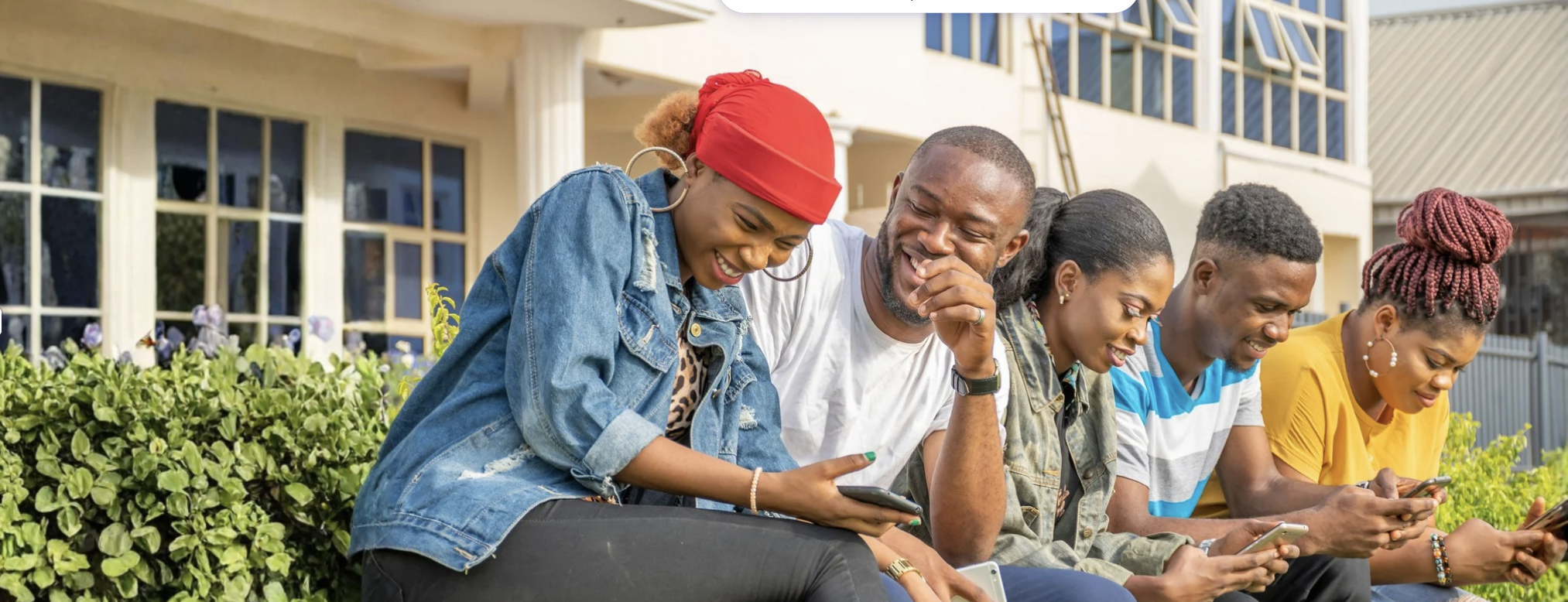
Student Affairs social media channels help connect the campus community to important information, resources, opportunities and experiences. Through engaging and informative content, these platforms support student success, foster community and highlight the many ways students can get involved and thrive at Stan State.
Departments and programs that manage social media accounts on behalf of the University play an important role in representing Stan State and the Division of Student Affairs. To help maintain a consistent and professional presence, all social media accounts should align with university brand and communication standards.
If your department, program or affinity group manages a social media account, please register the account with Strategic Communications & Marketing.
General Guidelines
A consistent brand helps students recognize, trust and connect with University communications and more importantly, your programs and services. Whether a student is viewing your social media, attending an event or visiting a campus website, cohesive branding helps create a clear Warrior experience for students at Stan State.
As representatives of the University, all social media accounts are expected to follow the guidelines and standards established. Maintaining these standards helps ensure communications are professional, accessible and aligned with the University's identity. Content that does not align with University guidelines will be recommended for revision or removal.
Social media interactions often serve as a student's first point of contact with a department or program. Employees and student assistants who manage university-affiliated social media accounts should strive to maintain a welcoming, helpful and professional tone when responding to comments, messages and inquiries.
Departments are encouraged to regularly support and guide student employees on best practices for digital communication, ensuring interactions reflect the values of Student Affairs and provide a positive experience for students and community members.
Timely, accurate and professional responses help build trust with students and create a positive experience with your department or program. When responding to comments, direct messages or inquiries, use a courteous and welcoming tone that reflects the values of Stan State and Student Affairs.
Whenever possible, begin and end messages with a professional greeting or closing. Examples include:
"Hello,"
"Dear,"
"Greetings,"
"Hello Team,"
Best Practices
-
Respond to questions and inquiries in a timely manner.
-
Use clear, accurate and student-friendly language.
-
Maintain a professional and respectful tone in all interactions.
-
Remember that social media communications represent your department and the University.
Avoid
-
Responding as though you are texting a personal friend.
-
Using overly casual greetings such as "Hey" or "What's up?"
-
Using text-message shorthand, slang or internet abbreviations (e.g., "LOL").
-
Using language that could be interpreted as unprofessional or unclear.
-
Excessive use of emojis in responses to students.
Emojis can help create engaging and approachable content on social media when used thoughtfully and in moderation. They may be included in social media captions and posts to enhance messaging and connect with audiences.
Because websites and email communications serve different purposes, emojis should generally be avoided in these channels to maintain accessibility, consistency and a professional user experience. When using emojis on social media, focus on quality over quantity and avoid excessive use that may distract from the message or reduce readability.
Social media accounts should be used to inform, engage and support students while maintaining professional boundaries. As a best practice, departments and programs should take a responsive approach to direct messaging rather than initiating one-on-one conversations with students.
To help ensure interactions remain purposeful:
-
Students should initiate direct message conversations with department or program accounts.
-
Direct messages should be used to respond to questions, provide information or support engagement activities such as polls, surveys, contests and giveaways.
-
Conversations should remain focused on university business, programs, services and resources.
-
When appropriate, students should be referred to official university offices, websites or communication channels for additional assistance.
This guidance helps create a positive, consistent and supportive experience for students across all university-affiliated social media accounts.
To help maintain a professional and student-centered social media presence, please avoid the following uses of university-affiliated accounts:
-
Endorsing or promoting individual candidates in student government, club or student organization elections.
-
Scheduling appointments through direct messages. Instead, direct students to official scheduling platforms or university contact methods.
-
Providing personal, academic, financial, career or life advice through social media direct messages.
-
Advising students on academic requirements, degree progress or enrollment decisions through direct messages.
-
Facilitating the buying, selling, trading or exchange of items.
-
Promoting personal business or fundraising efforts.
-
Sharing or promoting personal crowdfunding campaigns, including GoFundMe and similar platforms.
-
Liking, sharing, reposting or otherwise amplifying personal content that is unrelated to university programs, services or activities.
-
Engaging with or sharing content that could be perceived as inconsistent with the University's values, policies or public reputation.
Social media is designed to encourage conversation and engagement, and not all comments will be positive. In many cases, comments are protected forms of expression and should remain visible on university-affiliated accounts. However, comments that appear threatening, hateful, harmful or suspicious should be reported for review.
If you encounter a concerning comment:
-
Take a screenshot of the comment or interaction.
-
Report the content to the Student Affairs Marketing & Communications Team and the University Strategic Communications & Marketing Office.
-
Do not respond to or engage with the individual while the matter is being reviewed.
-
Do not delete the comment unless directed to do so by the appropriate university office.
Please remember that not every comment or message requires a response. Use professional judgment and focus on interactions that help inform, support or engage students in meaningful ways.
University-affiliated social media accounts should remain focused on the mission, programs and services of Stan State and the Division of Student Affairs. As these accounts represent the University, they should not be used to promote or endorse personal political, religious, ideological or other individual viewpoints.
Departments and programs should avoid liking, sharing or reposting content that could be interpreted as expressing or endorsing personal beliefs on behalf of the University. When managing social media accounts, content and interactions should remain neutral, inclusive and aligned with university policies and values.
Accounts found to be operating outside of these guidelines may be subject to review and corrective action.
University-affiliated social media accounts should be used in a fair and equitable manner for all students and student groups. To maintain neutrality and ensure equal access to university communication channels, departments and programs should not use their social media accounts to promote or endorse individual candidates running in student government elections, student organization elections or other campus-based leadership positions.
This includes publishing campaign-related content, resharing candidate posts or promoting individual candidates through stories, posts or other account features. Content that does not align with these guidelines will be reviewed and recommended for removal.
Tips for Account Creation:
-
Register the account using a secure email account from Stanislaus State.
-
Create a secure password that is not easy to guess.
-
Only grant access to staff members/student employees.
-
Establish a clear purpose of the account with your team.
-
Set expectations with your team.
-
Establish a review process for content before it is posted on the account.
Security Tips:
-
Consider adding the Student Affairs email account: studentaffairs@csustan.edu as a secondary backup account. The Student Affairs account can be used to recover your account in the event you are locked out of the account.
-
Avoid using your personal device(s) to access your department/program's social media. This limits the chances of making inadvertent mistakes.
-
Log out of each social media platform when you are not actively using it.
-
Refrain from using the same password on multiple accounts.
-
Routinely change your password, consider doing this twice a semester.
Improving Student Communication
We recognize that effective communication takes time, planning and intention. From social media and email marketing to branding, event promotion, accessibility and visual design, there are many factors that contribute to creating communications that support student success.
The Student Affairs Marketing & Communications Team is here to support you in that work. The training resources below are designed to help strengthen your skills, build confidence and provide practical tools for creating engaging, student-centered communications. By developing these skills, you can help ensure students receive clear, accessible and meaningful information that connects them to the resources and opportunities available at Stan State.
Access the Student Affairs MarComm Training Playlist on YouTube
Accessibility
Accessibility plays an important role in creating an inclusive and equitable experience for all students. When digital content is designed with accessibility in mind, students are better able to access important information, participate in programs and engage with university resources. Accessibility extends beyond captions and alternative text—it includes the thoughtful design of websites, documents, videos, social media content and other communications to ensure all members of the campus community can fully engage with the Stan State experience.
To learn more about accessibility best practices and requirements, please visit the Web Accessibility Resource webpage.
Every student deserves equal access to the information, services and opportunities you make available at Stan State. Title II helps ensure that our digital content, including websites, documents, videos and communications, is accessible to all members of our campus community. As part of the CSU, accessibility is a shared responsibility, and the work each of us does contributes to creating a more inclusive, supportive and student-centered experience for every Warrior.
All departments share responsibility for maintaining ongoing Title II compliance and ensuring websites, documents, communications and digital content remain accessible to all users.
| Creating Accessible Images : | Avoiding Inaccessible Images: |
|---|---|
|
When designing graphics for social media, accessibility should be considered from the start of the design process. Accessible visuals help ensure all students can access important information and engage with your content. 1. Keep Text on Graphics to a Minimum 2. Provide Alternative Text (Alt Text) 3. Design with Readability in Mind 4. Reinforce Brand Identity |
Some graphics can create barriers for users if accessibility is not considered. When creating visual content, avoid the following common mistakes: 1. Avoid Overloading Graphics with Text 2. Avoid Including URLs Within Graphics 3. Do Not Skip Alternative Text By avoiding these common issues, you can create content that is more accessible, user-friendly and effective for the entire campus community. |
Updated: June 23, 2026